Introduction: The Overwhelm of Small Business Management
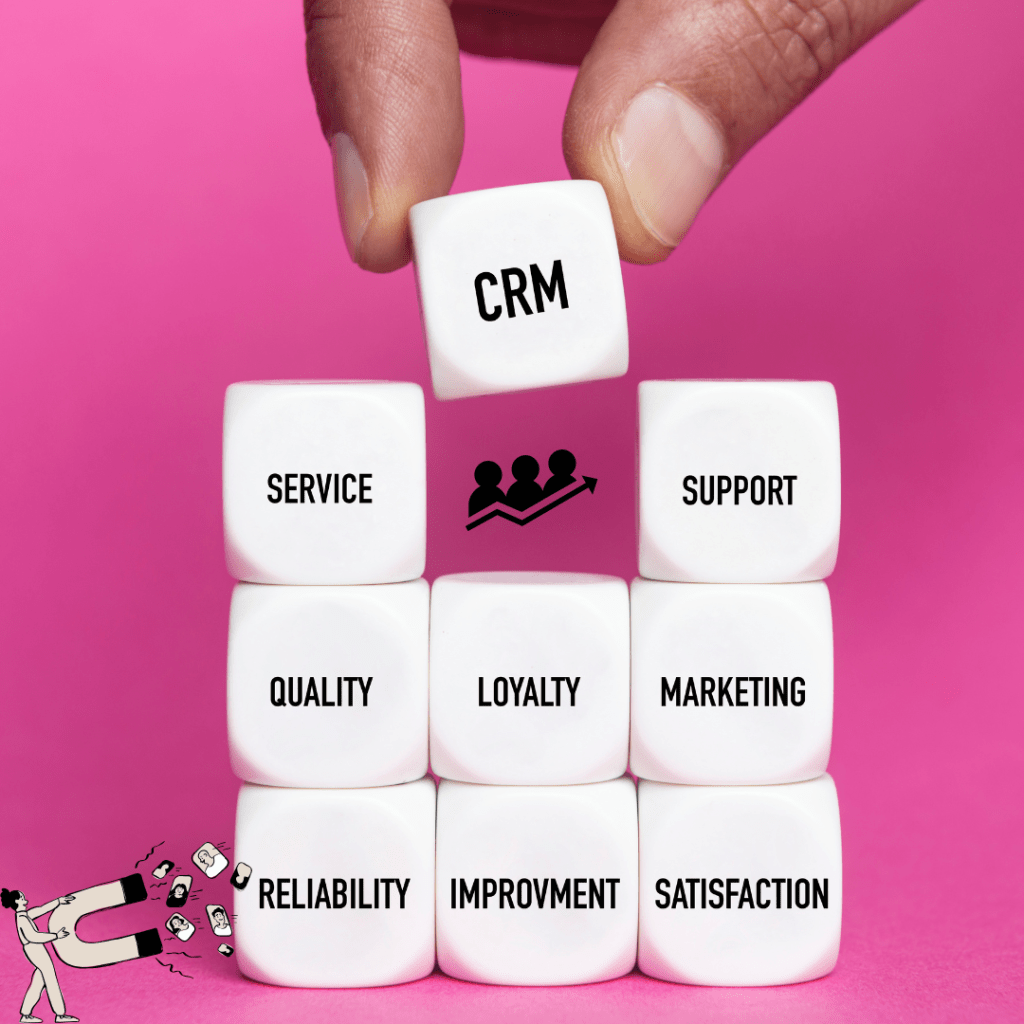
If you run a business, you already know what it feels like to manage a million tasks while wearing every hat possible. You’re trying to give it your all, but burnout can creep in fast. One minute you’re chasing DMs on social media, the next you’re checking emails, inboxes, and notes apps… and somehow still wondering if that potential customer will respond. It’s the reality for many small business owners — and that’s why tools like a CRM Software can make managing it all feel more organized and manageable.
What Is a CRM?
A CRM, or Customer Relationship Management system, is an online tool that helps businesses keep all customer interactions and communication organised.
Instead of juggling multiple apps, inboxes, and notes, a CRM brings everything together in one central hub. It helps you track conversations, follow-ups, and client details without feeling overwhelmed. In short, it’s your business’s organised home for customer info, tasks, and workflow.
A CRM keeps your business organised and your head a little less messy — no wonder so many businesses use one! It’s not just a spot for your current and potential customers — a CRM also helps manage sales, marketing, and customer service.
Key Features of a CRM Software
Here’s a look at some of the things a CRM can help with:
- Keep all customer details in one place
- Track emails, messages, and calls
- Set reminders so you never forget to follow up
- Keep track of leads and sales stages
- Save message and email templates
- Automate repetitive tasks
- Assign tasks to your team
- Keep notes, files, and documents organised
- Store contracts, invoices, and other important documents
- Track marketing campaigns and results
- Group customers into categories or segments
- Track customer questions or support requests
- Generate reports on sales, leads, or tasks
- Integrate with social media, email, calendars, and payment apps
- Track customer preferences and interests
- Send automated emails or notifications
- Help plan promotions or offers
- Give mobile access so you can work from anywhere
- Manage appointments and schedules
- Track customer satisfaction and feedback
- Monitor inventory or products (in some CRMs)
- Monitor team performance and productivity
- Keep your workflow organised without switching apps
Why Businesses Use a CRM
A CRM isn’t just for big companies — small businesses benefit just as much. Here are some ways it can make managing a business easier:
- Stops lost leads: Tracks potential customers so nothing gets overlooked
- Organises communication: Every message, call, note, and email is in one place
- Simplifies sales: Keeps track of each step a customer takes in the sales journey
- Automates repetitive tasks: Reminders, follow-ups, and emails can be scheduled or automated
- Tracks marketing campaigns: Helps organise campaigns and follow-ups
- Supports customer service: Customer questions and feedback are tracked
- Helps teams stay organised: Assign tasks and share updates easily
- Supports overall workflow: Everything in one system gives clarity and frees up time for other tasks
A CRM acts like a digital assistant for your business — keeping information and tasks in one place so you can focus on running your business without getting overwhelmed.
What’s Next: Getting Started with a CRM
If you’re feeling overwhelmed with tasks, messages, and leads, now is a good time to explore a CRM system. Start by identifying what your business actually needs — whether it’s tracking leads, organising messages and DMs from social media, managing all sources of communication, or a combination of these. Once you know your business needs, choosing the right CRM becomes simpler.
How to Get Started
- Identify areas that need help: Look at your business and figure out which parts need the most attention — sales, marketing, customer service, or something else.
- Set priorities: Decide what to tackle first so you can focus on the areas that matter most.
- Explore CRM options: Check out popular tools to see which fits your business needs.
- Start small: Begin with the basics, like tracking leads or organising contacts, and add features gradually.
- Test and adjust: As you get comfortable, introduce automation and extra features to make your workflow smoother.
 Everyday-Bizgrowth