• Introduction: The Overwhelm of Small Business Management
    If you run a business, you already know what it feels like to manage a million tasks while wearing every hat possible. You’re trying to give it your all, but burnout can creep in fast. One minute you’re chasing DMs on social media, the next you’re checking emails, inboxes, and notes apps… and somehow still wondering if that potential customer will respond. It’s the reality for many small business owners — and that’s why tools like a CRM Software can make managing it all feel more organized and manageable.

    What Is a CRM?

    A CRM, or Customer Relationship Management system, is an online tool that helps businesses keep all customer interactions and communication organised.

    Instead of juggling multiple apps, inboxes, and notes, a CRM brings everything together in one central hub. It helps you track conversations, follow-ups, and client details without feeling overwhelmed. In short, it’s your business’s organised home for customer info, tasks, and workflow.

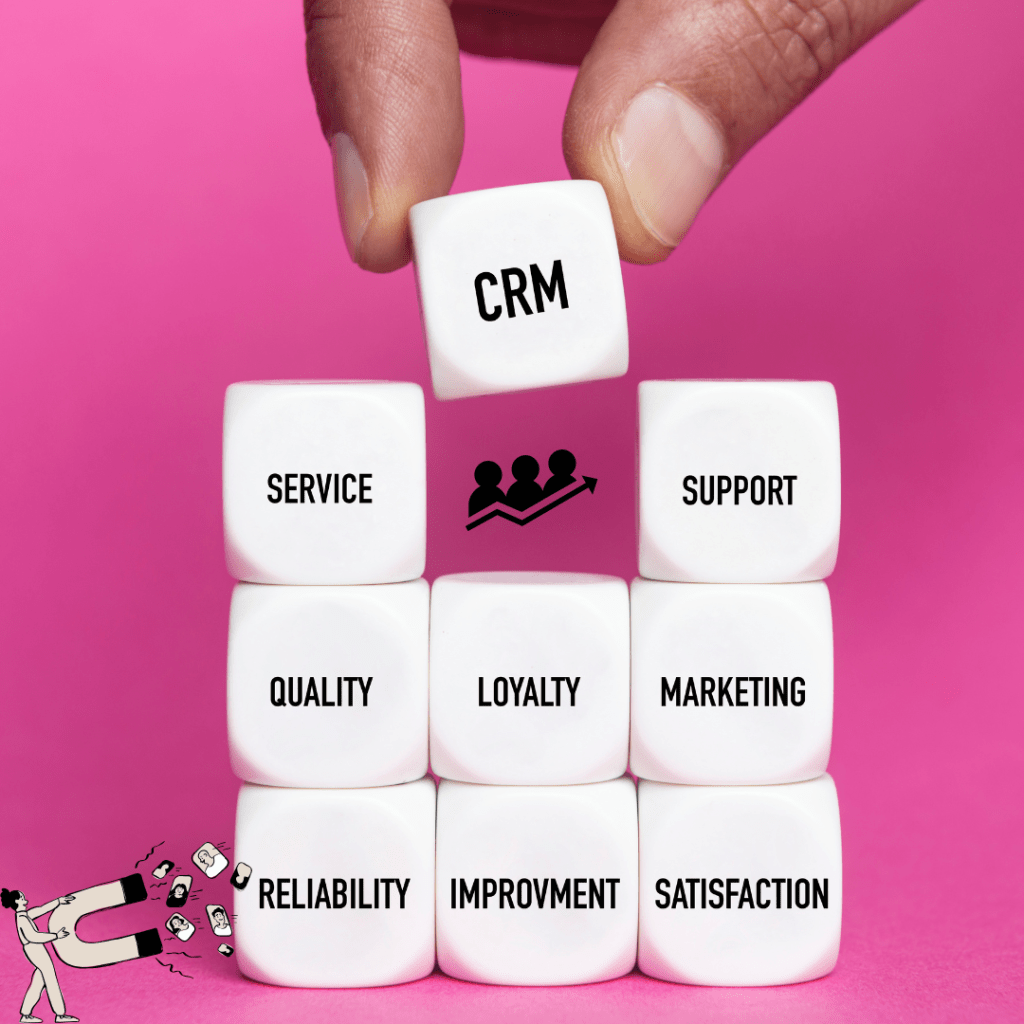
    A CRM keeps your business organised and your head a little less messy — no wonder so many businesses use one! It’s not just a spot for your current and potential customers — a CRM also helps manage sales, marketing, and customer service.

    Key Features of a CRM Software

    Here’s a look at some of the things a CRM can help with:

    • Keep all customer details in one place
    • Track emails, messages, and calls
    • Set reminders so you never forget to follow up
    • Keep track of leads and sales stages
    • Save message and email templates
    • Automate repetitive tasks
    • Assign tasks to your team
    • Keep notes, files, and documents organised
    • Store contracts, invoices, and other important documents
    • Track marketing campaigns and results
    • Group customers into categories or segments
    • Track customer questions or support requests
    • Generate reports on sales, leads, or tasks
    • Integrate with social media, email, calendars, and payment apps
    • Track customer preferences and interests
    • Send automated emails or notifications
    • Help plan promotions or offers
    • Give mobile access so you can work from anywhere
    • Manage appointments and schedules
    • Track customer satisfaction and feedback
    • Monitor inventory or products (in some CRMs)
    • Monitor team performance and productivity
    • Keep your workflow organised without switching apps

    Why Businesses Use a CRM

    A CRM isn’t just for big companies — small businesses benefit just as much. Here are some ways it can make managing a business easier:

    • Stops lost leads: Tracks potential customers so nothing gets overlooked
    • Organises communication: Every message, call, note, and email is in one place
    • Simplifies sales: Keeps track of each step a customer takes in the sales journey
    • Automates repetitive tasks: Reminders, follow-ups, and emails can be scheduled or automated
    • Tracks marketing campaigns: Helps organise campaigns and follow-ups
    • Supports customer service: Customer questions and feedback are tracked
    • Helps teams stay organised: Assign tasks and share updates easily
    • Supports overall workflow: Everything in one system gives clarity and frees up time for other tasks

    A CRM acts like a digital assistant for your business — keeping information and tasks in one place so you can focus on running your business without getting overwhelmed.

    What’s Next: Getting Started with a CRM

    If you’re feeling overwhelmed with tasks, messages, and leads, now is a good time to explore a CRM system. Start by identifying what your business actually needs — whether it’s tracking leads, organising messages and DMs from social media, managing all sources of communication, or a combination of these. Once you know your business needs, choosing the right CRM becomes simpler.

    How to Get Started

    1. Identify areas that need help: Look at your business and figure out which parts need the most attention — sales, marketing, customer service, or something else.
    2. Set priorities: Decide what to tackle first so you can focus on the areas that matter most.
    3. Explore CRM options: Check out popular tools to see which fits your business needs.
    4. Start small: Begin with the basics, like tracking leads or organising contacts, and add features gradually.
    5. Test and adjust: As you get comfortable, introduce automation and extra features to make your workflow smoother.
  • WHY MAPPING OUT YOUR STORE MATTERS

    When it comes to opening your new e-commerce store, it’s easy to get caught up on uploading products to your website and overlooking the foundational pages that build customer trust. These fundamental pages are the infrastructure of your business. They determine how your customers will navigate through your store, how they trust your brand, and how effectively you can process and fulfil their orders.

    Below, we will discuss and outline 5 core pages that help you structure the essential elements for your website.

    (The Welcome Page)

    The Home Page functions as your primary entry point and the main navigational hub for all site visitors. When a customer first arrives, their goal is to answer two questions: “What is this store?” and “Where do I go next?”

    A well-mapped homepage design acts as a trustworthy guide, orienting the customer and encouraging them to dive deeper into what you have to offer and explore your store.

    Key Components for Functionality:

    • Unique Value Proposition: Include a clear, immediate statement of what it is you sell and who it is for. This concise headline should communicate to your customer why they should stay and shop.
    • Prominent Website Navigation: Ensure both your header and footer navigation bars are clear and visible. These must be able to link and navigate to all other core pages and product categories on your site.
    • Collection Links: The main product or collection you are selling should be your first visual on the Home Page, often showcased in a top banner. This banner should have an embedded link that leads customers directly to the featured collection. You want to minimize the number of clicks required for your customer.
    • Focused Call To Action (CTA): Limit your Call to Action (CTA) buttons to one or two main actions or simple steps for your customers to choose. For example, “Shop All Products” or “Discover New Arrivals.”
    • Reviews/Social Proof: Incorporating rotating elements like customer reviews and links to social media pages can help boost the company’s brand and customer trust.

    PAGE 2:

    Product and Collection Page

    These pages are the conversion engines of your e-commerce website, designed specifically to provide detailed information on the product and facilitate the purchase process.

    Key Components to Include:

    • Product Page Details: Detailed and clear images or videos showing the product from multiple angles are necessary. These should be accompanied by a benefit-focused description, along with factual specifications (size, materials, weight, stock available, location, and pricing).
    • Reliable Purchase Tools: A visible “Add to Cart” or “Purchase” button should be available and function reliably across both mobile and desktop devices.
    • Collection Organization: Products should be logically organized and categorized within your Collection Pages. This organizational structure is important to help customers find exactly what they need quickly when they are searching for a specific product.

    Page 3:

    The About Us Page

    The About Us page establishes brand awareness and authenticity, which is essential for building customer trust. Customers often look at this page to understand what your company is about and determine if the brand aligns with their values before making a purchase.

    Key Components to Include:

    • Origin Story (Your Brand Story): Include the background of your business and explain clearly how it came about. This narrative helps connect with your audience on a personal level.
    • Mission and Values: Show and clearly state the company’s mission and core values. This demonstrates your business philosophy and commitment.
    • E-commerce Transparency: Use visual elements like videos or photos of the company, the team, or the business’s history (from when it first began to what it is now). This practice shows authenticity and humanizes the brand for the customer.
    • Context: Include location details of where the company is based. Providing geographic context helps strengthen customer trust.

    Page 4:

    The Contact and Support Page

    The customer support page provides reassurance to your customers that they have support from the business after they have purchased. This page acts as an indicator to the customer that you are willing to address issues that may arise, offering crucial post-purchase support.

    Key Components to Include:

    1- Communication Channels: Ensure there is a dedicated contact form for general inquiries and clearly list any alternative methods for support (such as a support email address or phone number).

    2- Support Response Times: Include information on typical support response times. For example, stating, “Thank you for your inquiry, we typically respond within 24 hours,” manages customer expectations proactively.

    3- Pre-Sale FAQ Section: Include a Frequently Asked Questions (FAQ) section to address common pre-sale questions, minimizing the need for direct contact for simple queries.

    Page 5:

    Policy

    The Policy Page consists of separate documents (Shipping, Refund/Return, and Privacy) that outline the operational procedures for shopping online. These e-commerce policy pages are essential for setting clear customer expectations regarding costs, timing, and data handling.

    Key Operational Details:

    • Shipping Policy: Clearly explain processing times, carrier options, and associated costs.
    • Refund & Return Policy: Explicitly detail the rules regarding eligibility for returns, time limits, and the exact process for initiating a refund or exchange.
    • Privacy Policy: Document what customer data is collected, how it is used, and how it is protected, promoting transparency in data handling.

    Once all five components are carefully mapped out, your online store structure should be ready for purchases and customer trust, providing a solid foundation.

    WHAT’S NEXT?

    To implement all these foundational elements into your website, you first need to find an e-commerce platform that can seamlessly complement what you are trying to achieve with your business. An all-in-one platform can simplify the management of secure hosting, integrated payment processing, and necessary policy templates.